Data and media
Data
The Data screen lists the device's sensor log files (CSV).
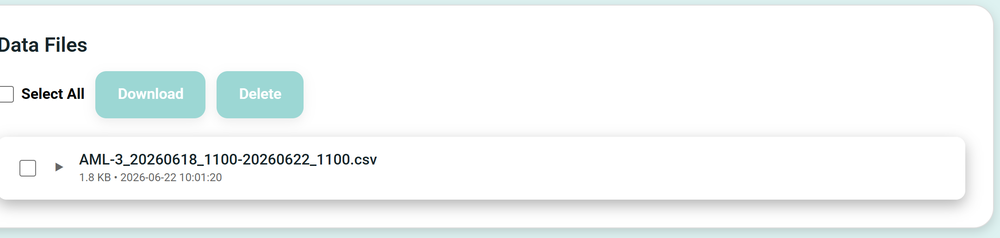
Each file covers one logging window and is named like AML-3_20260618_1100-20260622_1100.csv: the device name, then the start and end date and time. Tick files with the checkboxes (or Select All) and use Download or Delete.
Media
The Media screen is a gallery of captured stills and video.
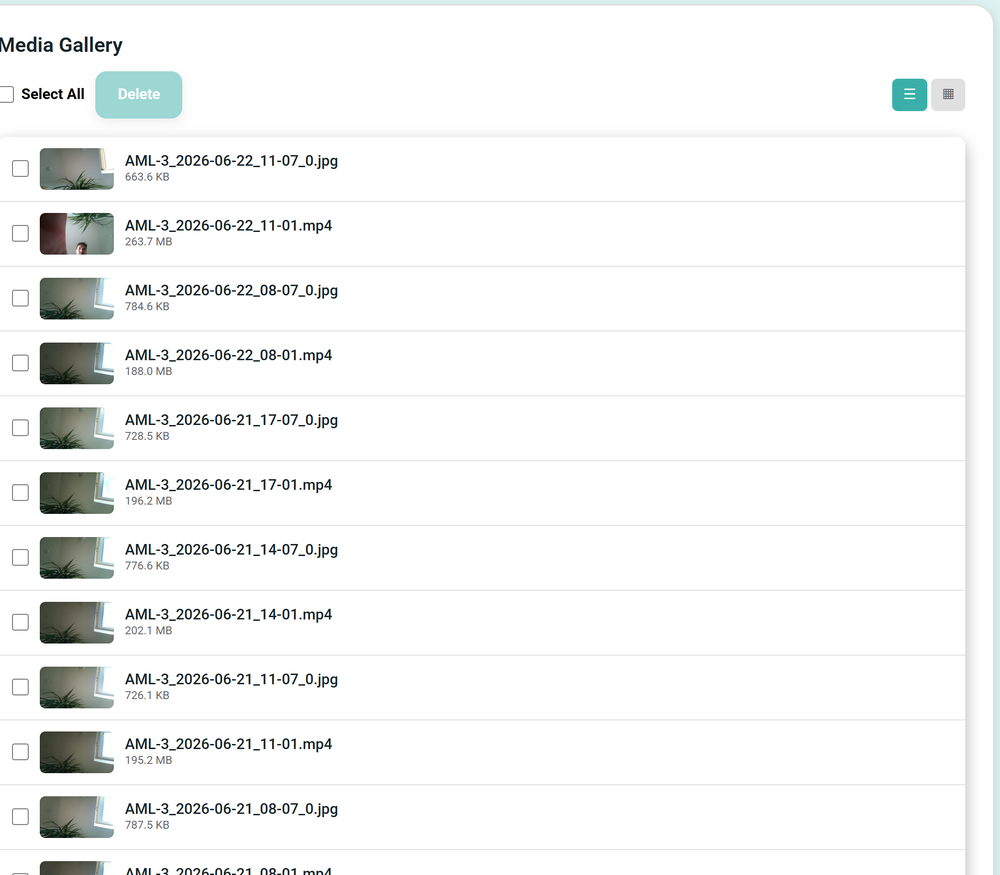
Files are named like AML-3_2026-06-22_11-07_0.jpg for a still and AML-3_2026-06-22_11-01.mp4 for a clip: device name, date, time, and a frame index on stills. Switch between list and grid views with the buttons top-right, select with the checkboxes, and Delete what you no longer need.
To copy everything off quickly, you can instead stop the device, remove the SD card, and read it on a computer. See Operating and retrieving data for the SubCam.