SubCam User Guide
Schedule. Submerge. Capture.
📄 Download the printable PDF (illustrated quick-start guide).
The SubCam is an autonomous underwater camera. You set it up once on your phone or laptop using the PEBL App, drop it in the water, and it captures video and photos to your schedule. It also records water temperature and camera orientation at every wake-up, so you have the context for every capture.
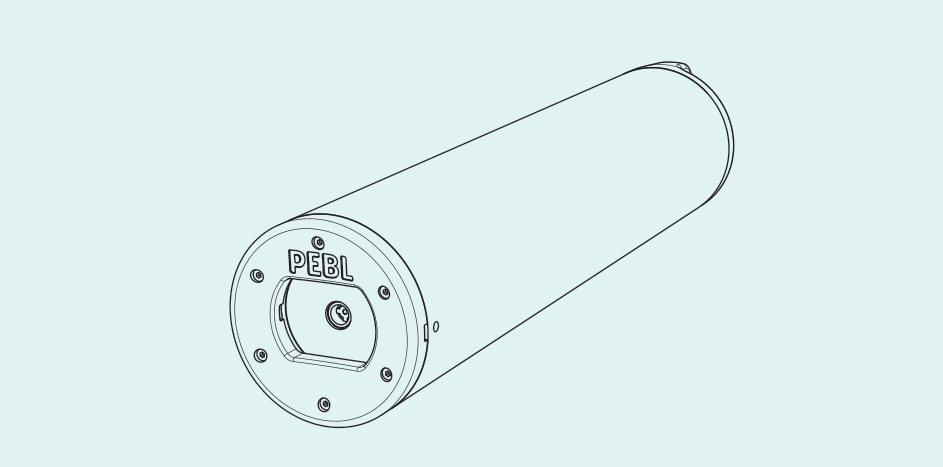
What you can do with a SubCam
- Set it and forget it. Build a schedule of capture events, whether that is once every 30 minutes, hourly, or only between set hours such as 9am to 5pm.
- Up to 15 hours of recording on a single charge. Spread it across months of scheduled captures, or use it in a single session.
- Built for the sea. Marine-grade POM-C enclosure rated for continuous submersion to 50 m.
- Set up, deploy and review anywhere. Connect over WiFi and run the PEBL App in any browser. No internet or signal needed.
What's in the box
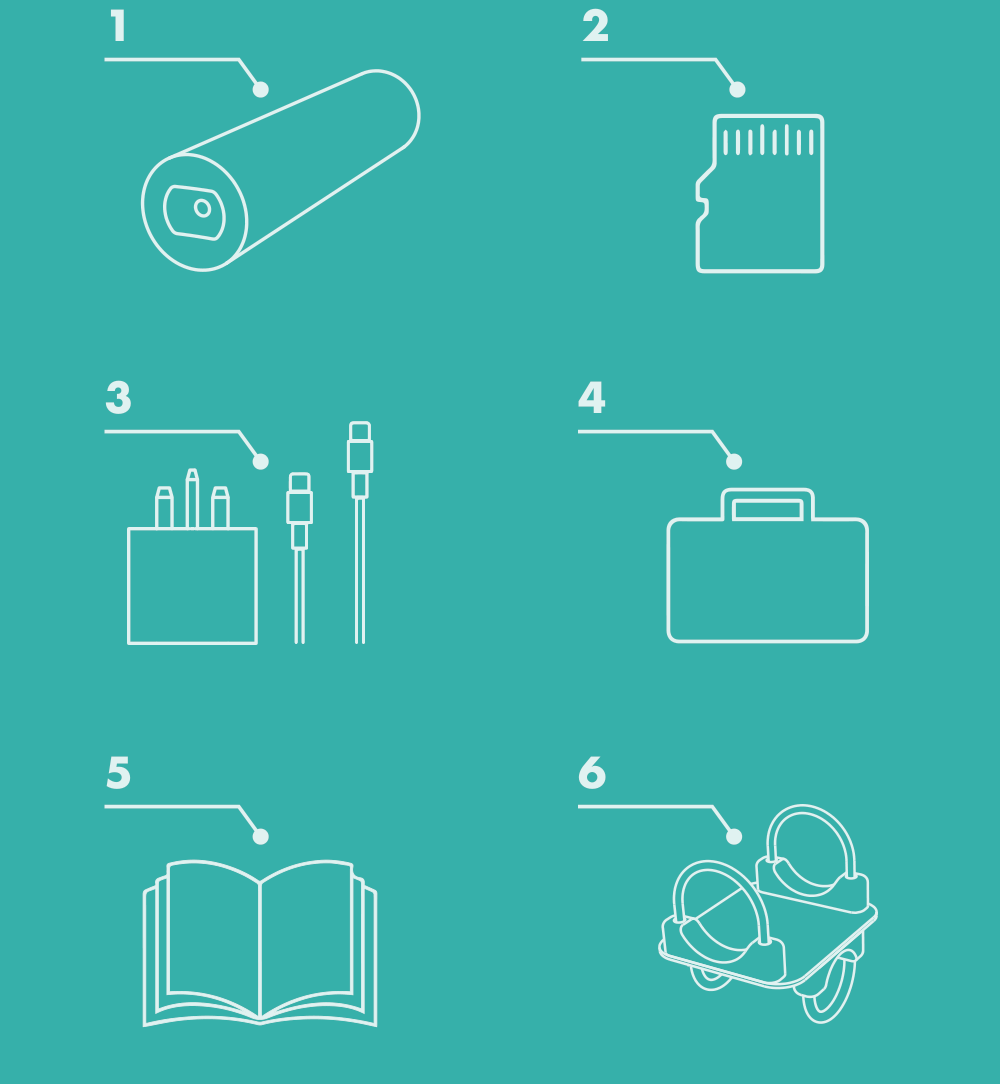
- SubCam
- 128 GB SD card
- 9V USB-C charger and USB-C cable
- IP67 carry case
- User guide
- Optional: mounting kit
Set up in four steps
- Charge and power on the SubCam.
- Connect to the PEBL App over WiFi.
- Configure your settings and schedule, then save and start logging.
- Deploy. See Field deployment for siting and settings. Mount it on a pole (see Mounting) or rig it on a benthic frame (see the Mooring Guide).
In this guide
- Hardware, LEDs and charging
- Connect and configure
- Operating and retrieving data
- Specification
- Maintenance
- Mounting
- Field deployment: siting, aiming and settings for good footage
- FAQ and troubleshooting
- PEBL App: the full app reference for configuring, scheduling and downloading data
- Mooring Guide for benthic frame deployments
Need help?
Get in touch at hello@pebl-cic.co.uk.